Game crashing after a new hairstyle? A patch dropped and half your mods stopped working? I’ll find what’s broken, set aside what you don’t need and get your game back on its feet. And anything I move away can be restored with one click 💚

I’ll catch the troublemaker mod with a check or a 50/50 search.
I’ll set aside what’s broken and bring it back once creators update their mods.
I’ll check that the game is reading the right folder and that mods are turned on.
I’ll show you what’s dragging down loading and speed your game up.
Click an image to take a closer look at the screen.
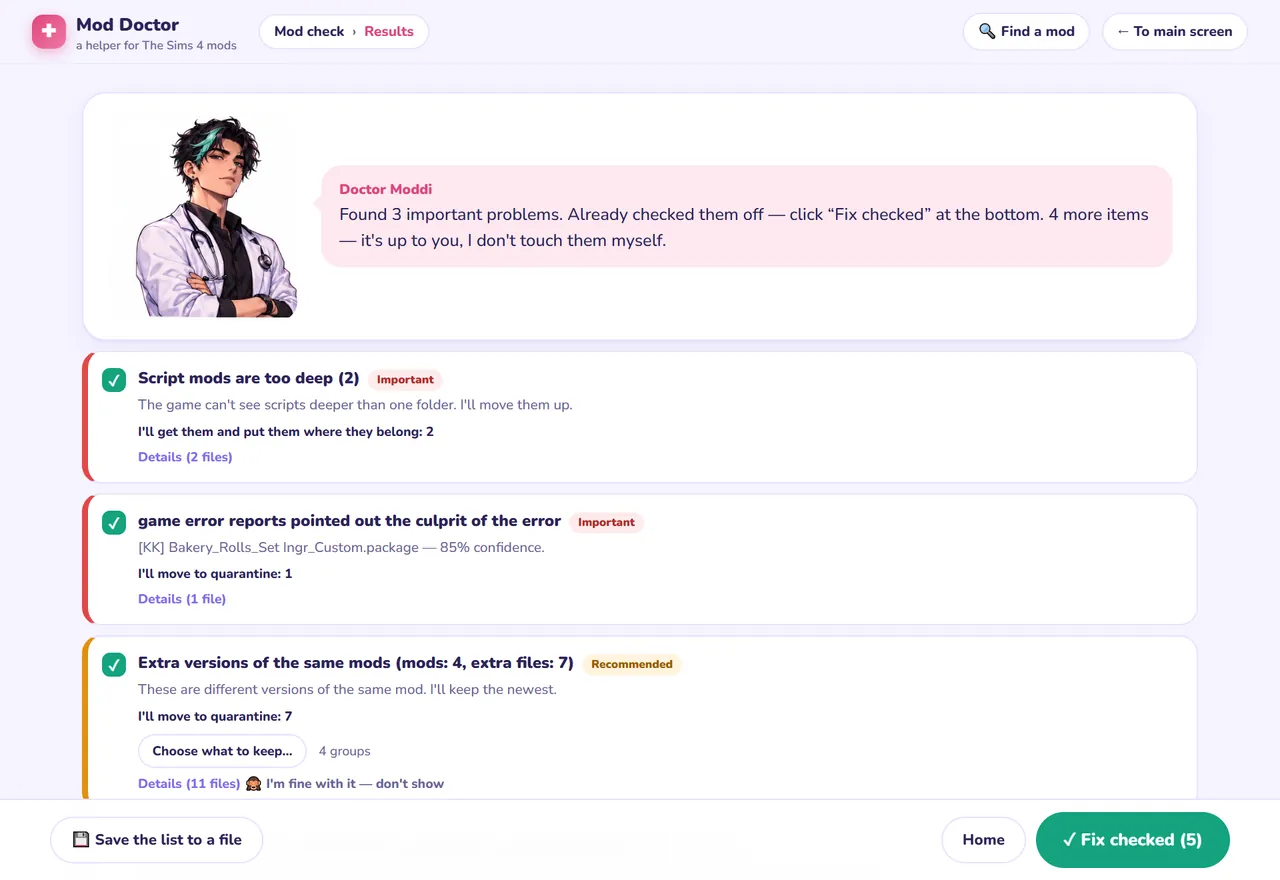
In a couple of minutes I’ll go through your whole Mods folder: broken files, misplaced scripts, duplicates and outdated versions, suspicious code. The important stuff is already ticked, so just hit “Fix”.
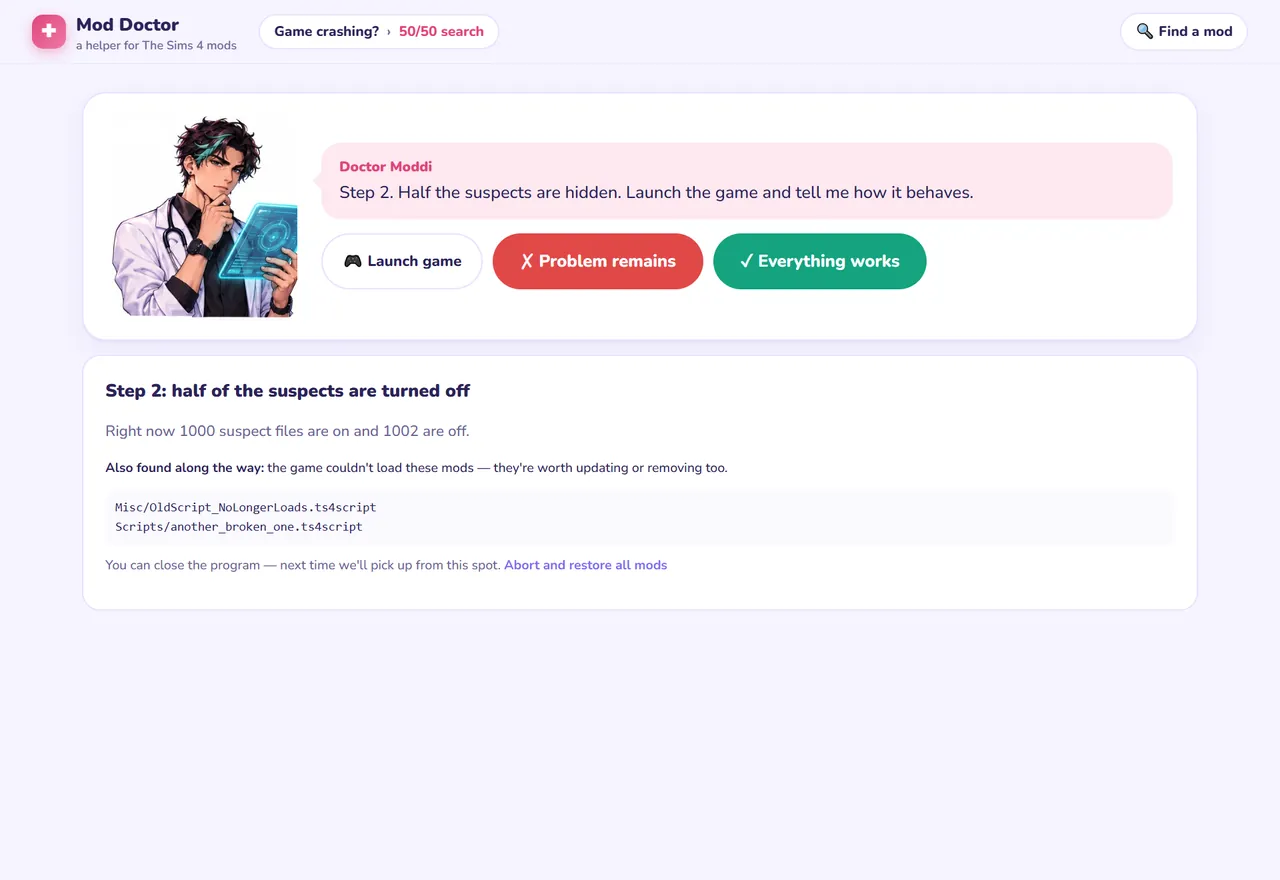
I hide half of the suspects, you launch the game and tell me if it got better. A couple of runs and the culprit is caught.
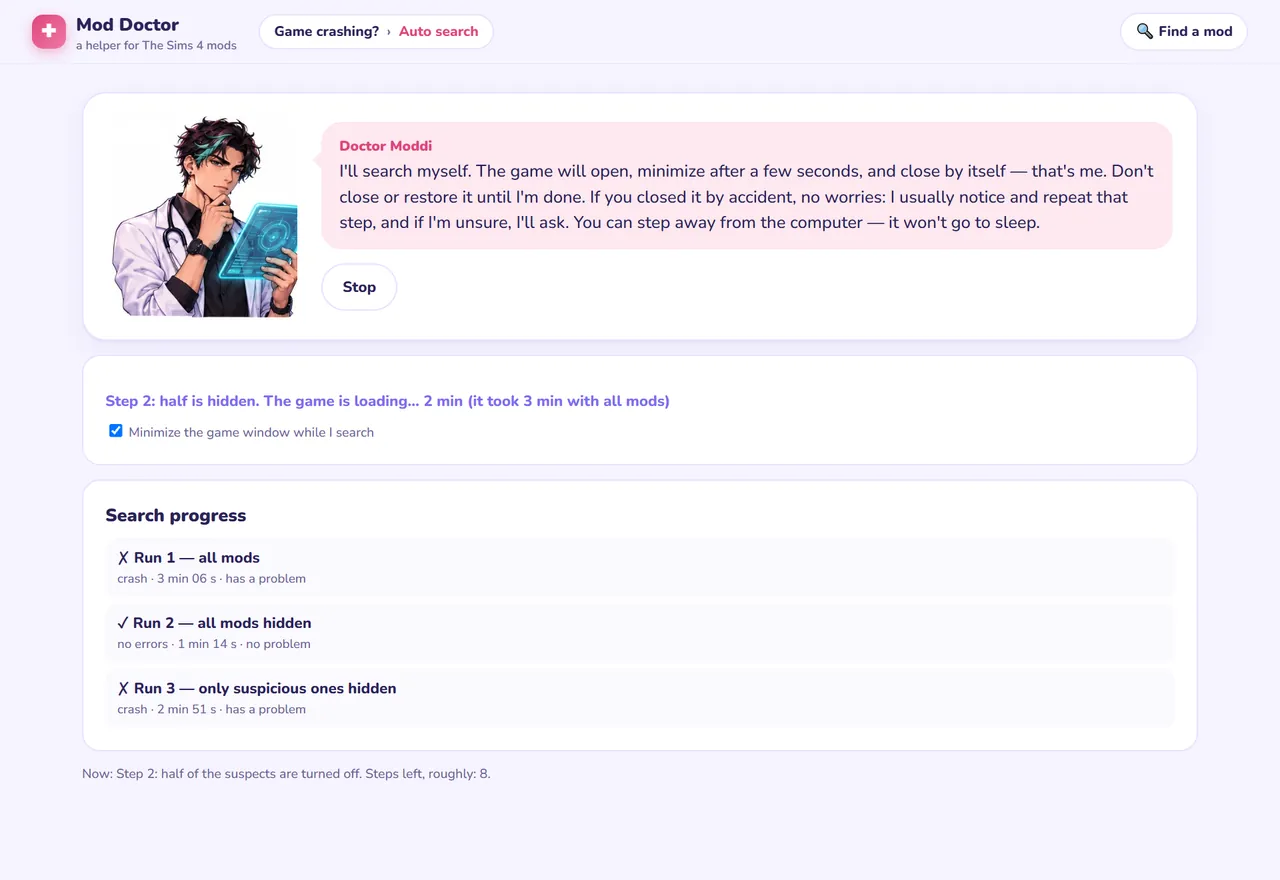
The same 50/50, but without you: I launch the game myself, wait for it to load, read the errors and move on. You just sip your tea ☕
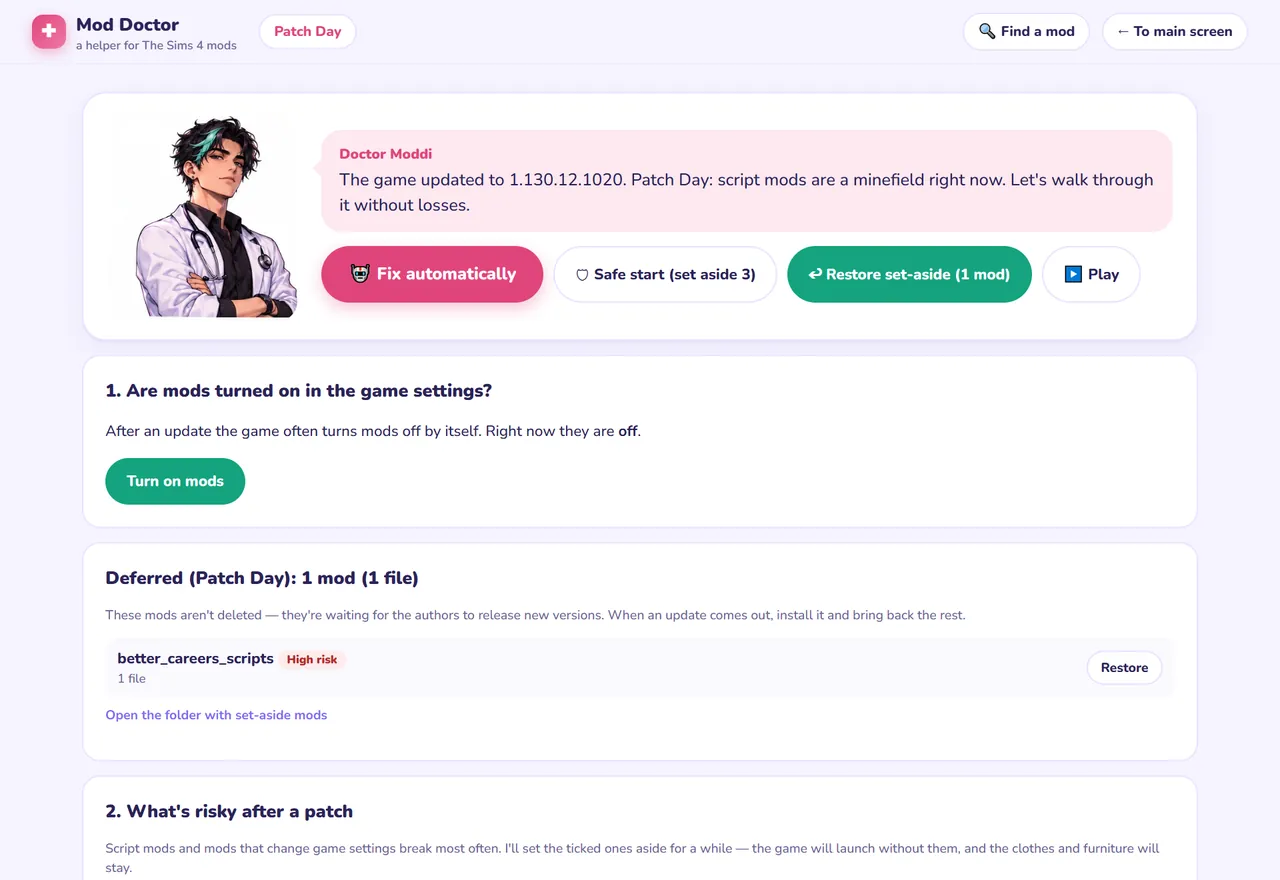
After a game update I’ll show you what broke, set aside the risky mods and bring them back when updates come out.
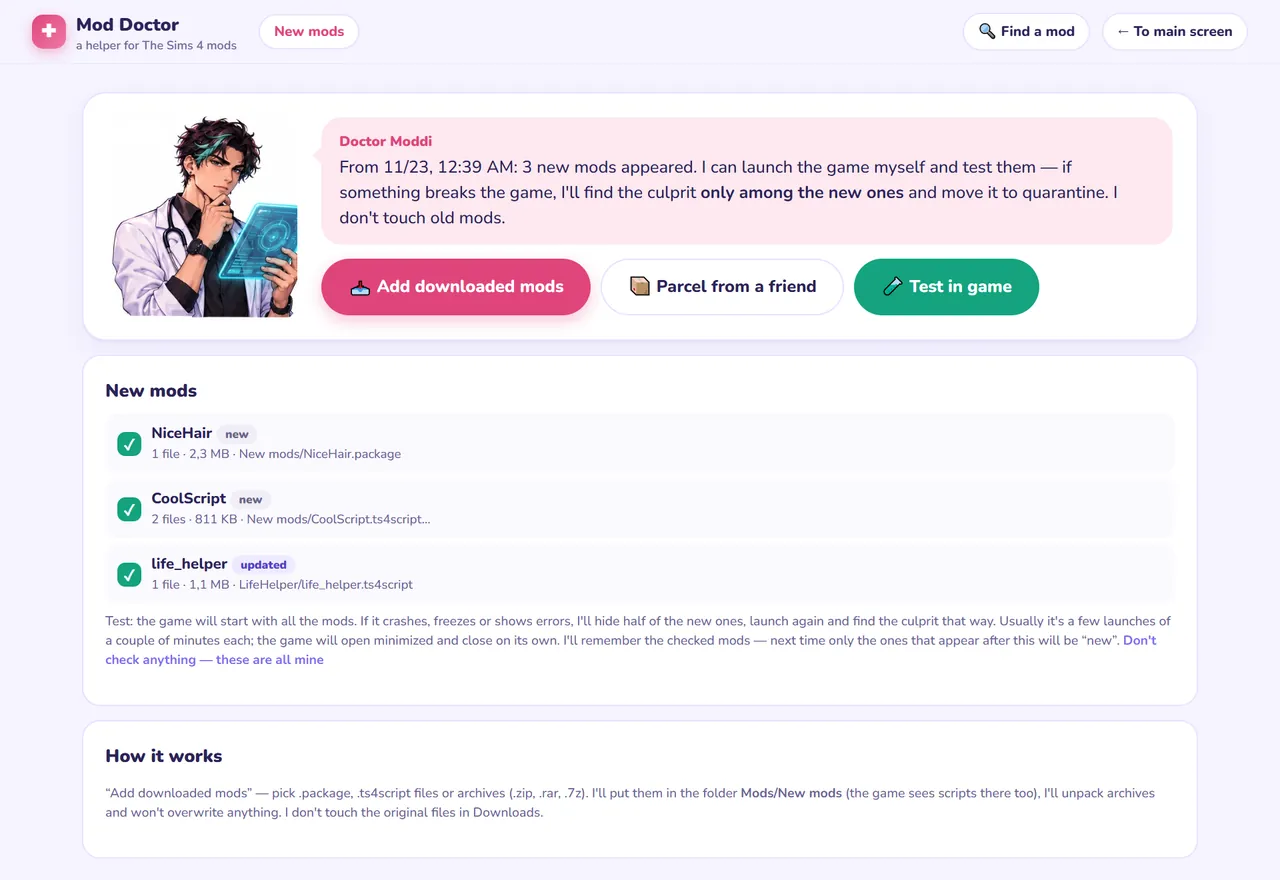
I’ll unpack the archives, sort them into folders and test new mods right in the game, without touching your tried-and-true setup.
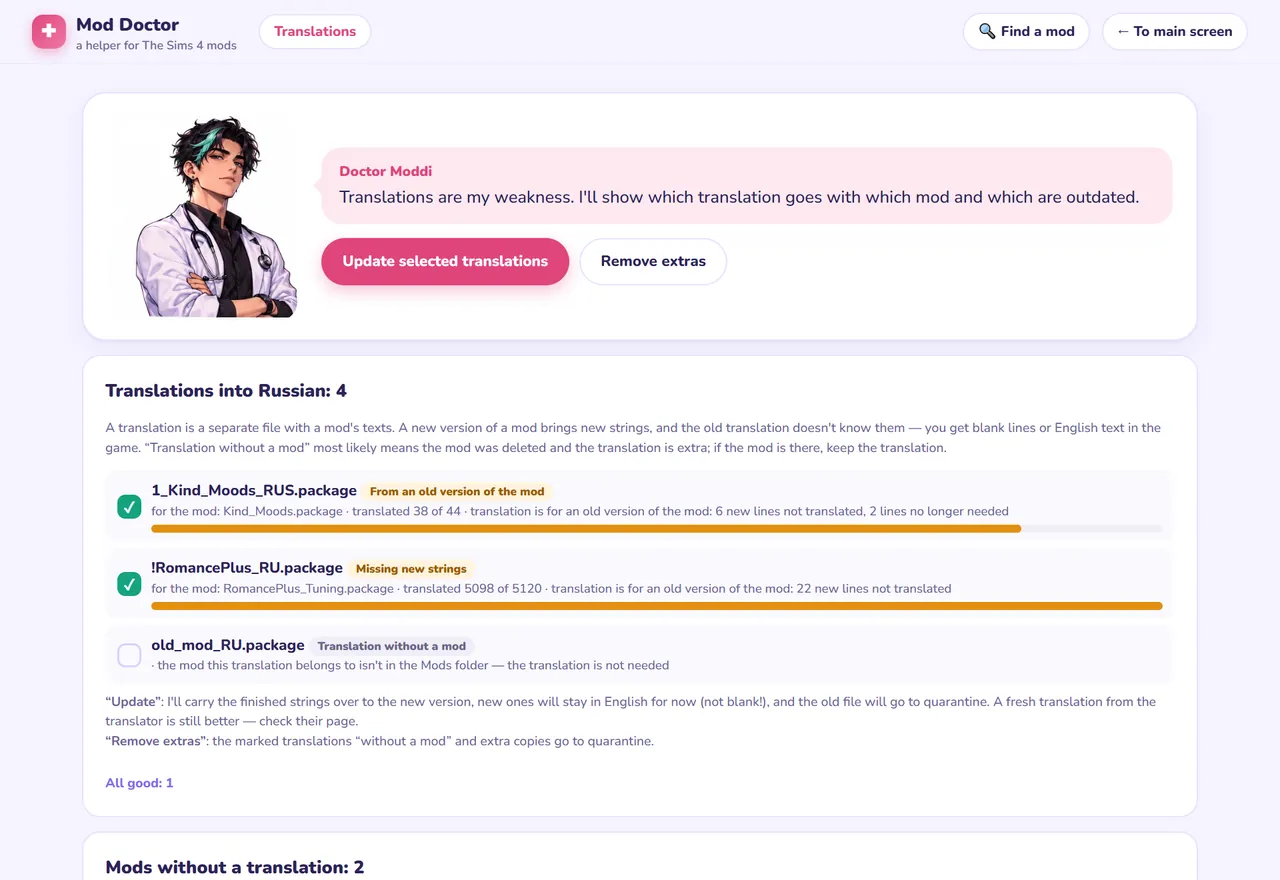
I’ll find outdated translation files and translations left behind without their mod. I can also translate a mod into Russian, taking your characters’ genders into account.
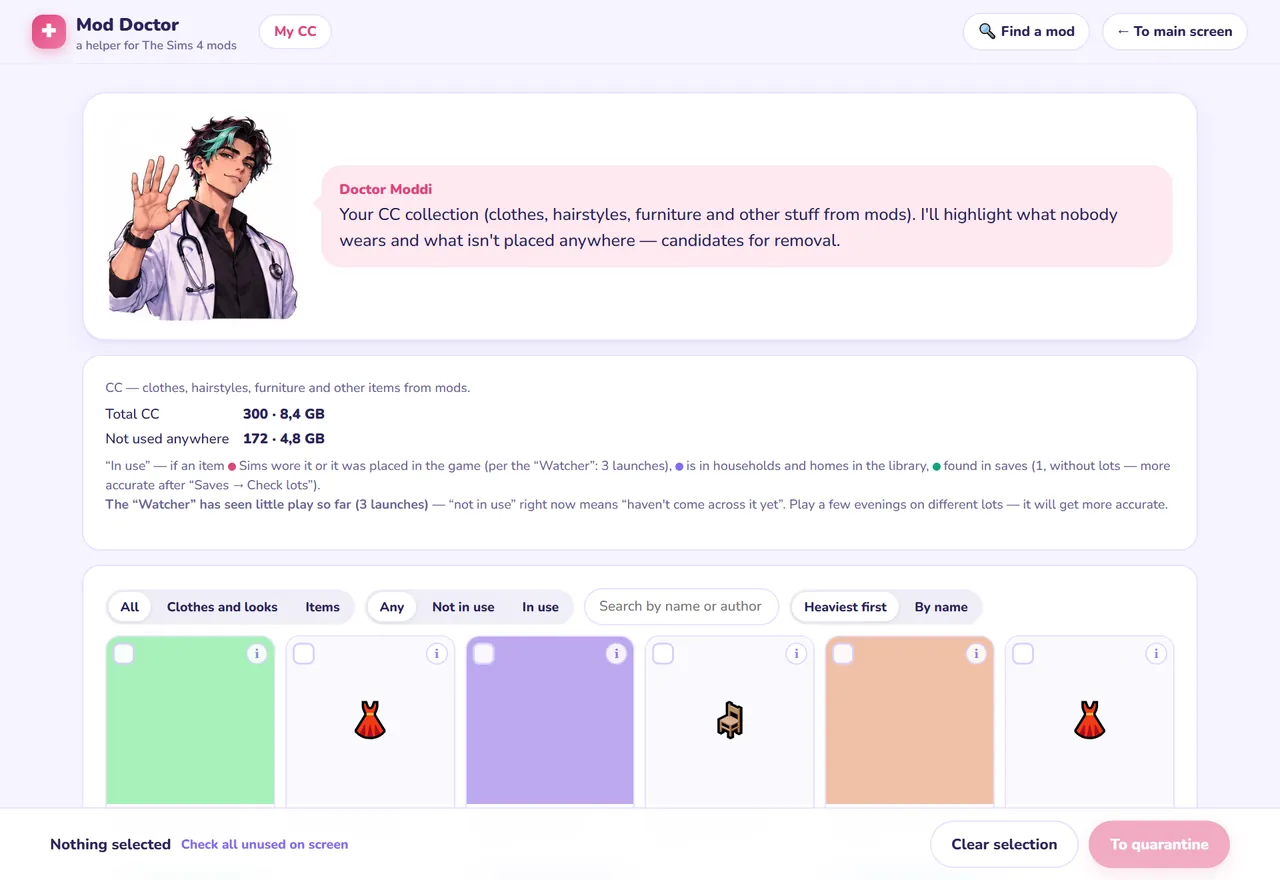
Your whole collection, with pictures. I’ll show you what no one wears and what isn’t placed anywhere, so your Mods folder gets lighter.
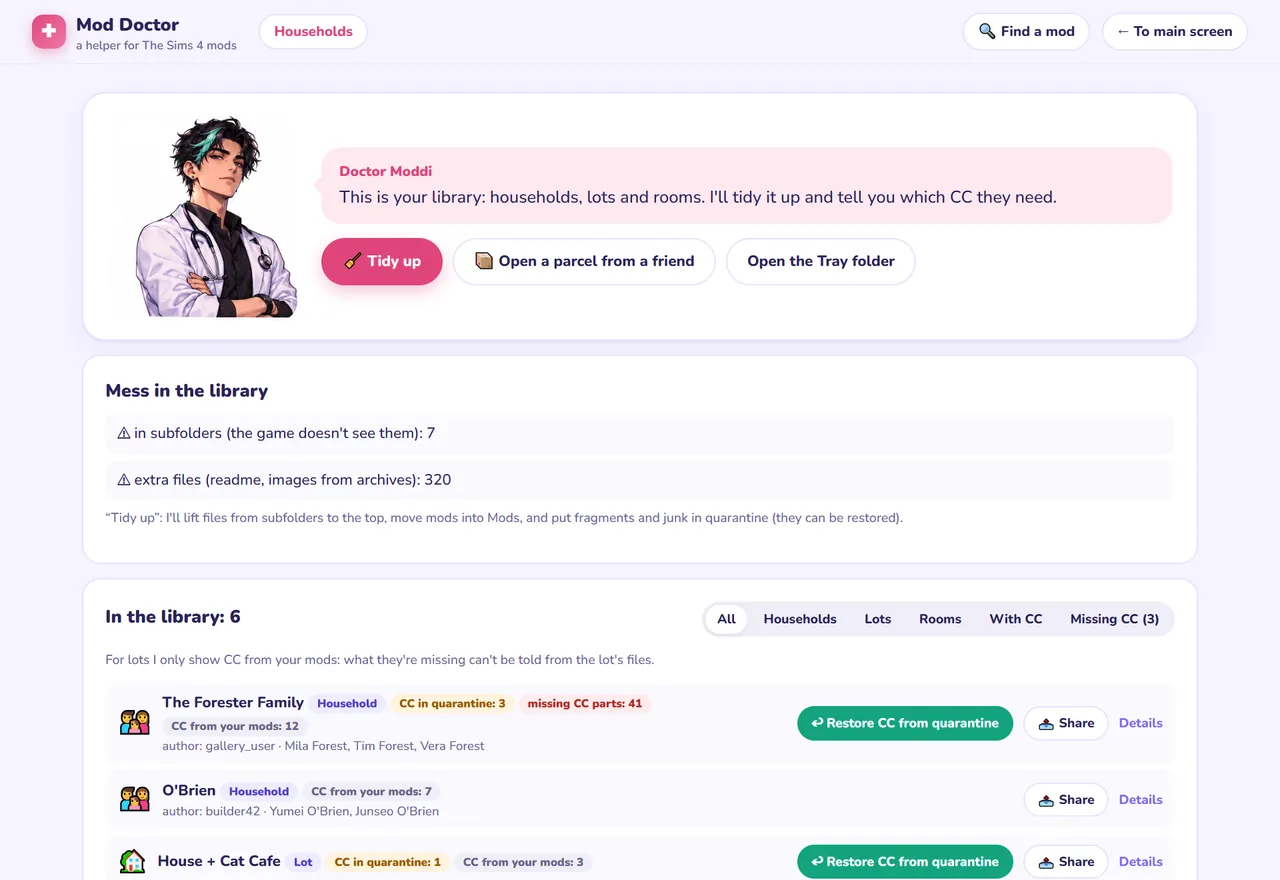
Order in your library, plus a list of the missing CC for lots from the Gallery. No more bald Sims.
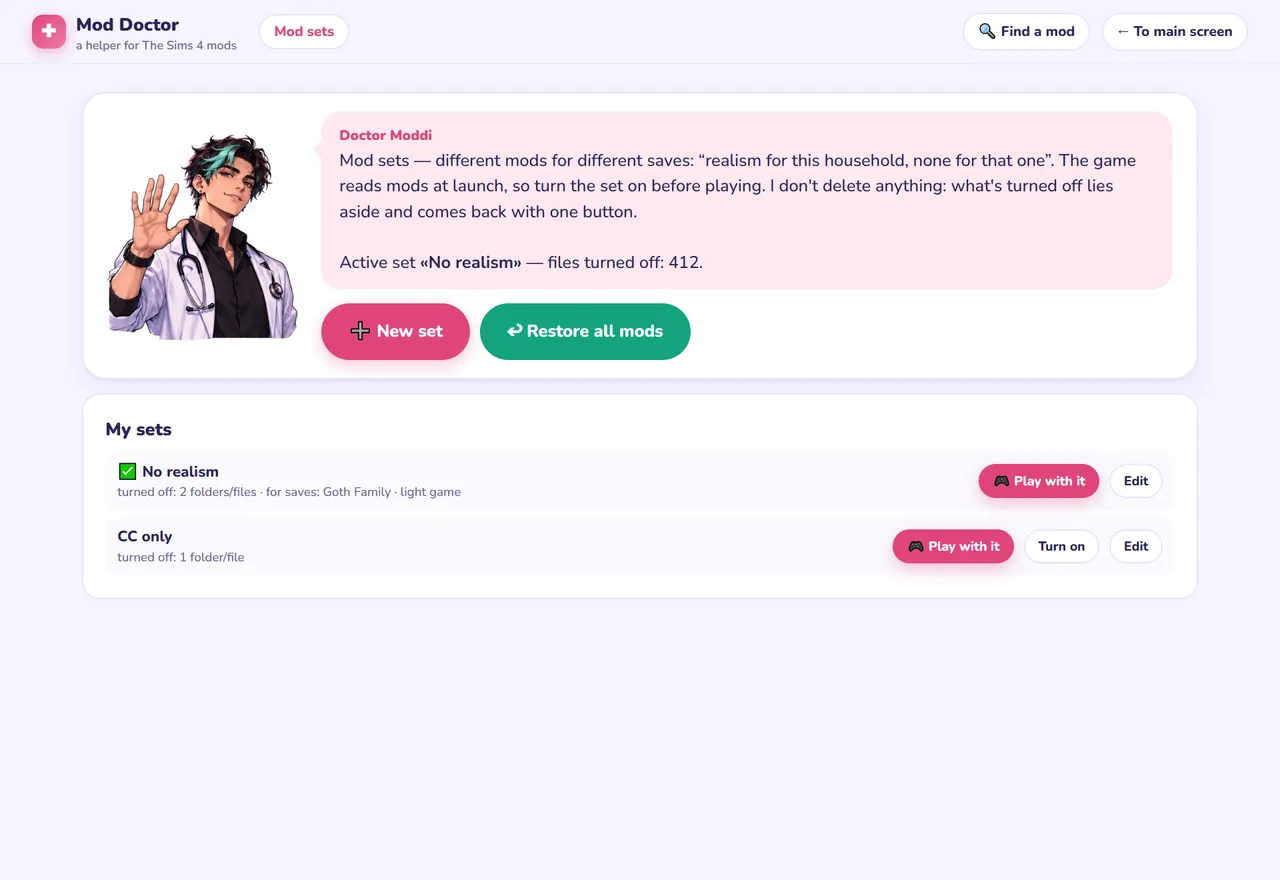
Realism for one household, chaos for another? Pick a set before you play and I’ll turn on what you need.
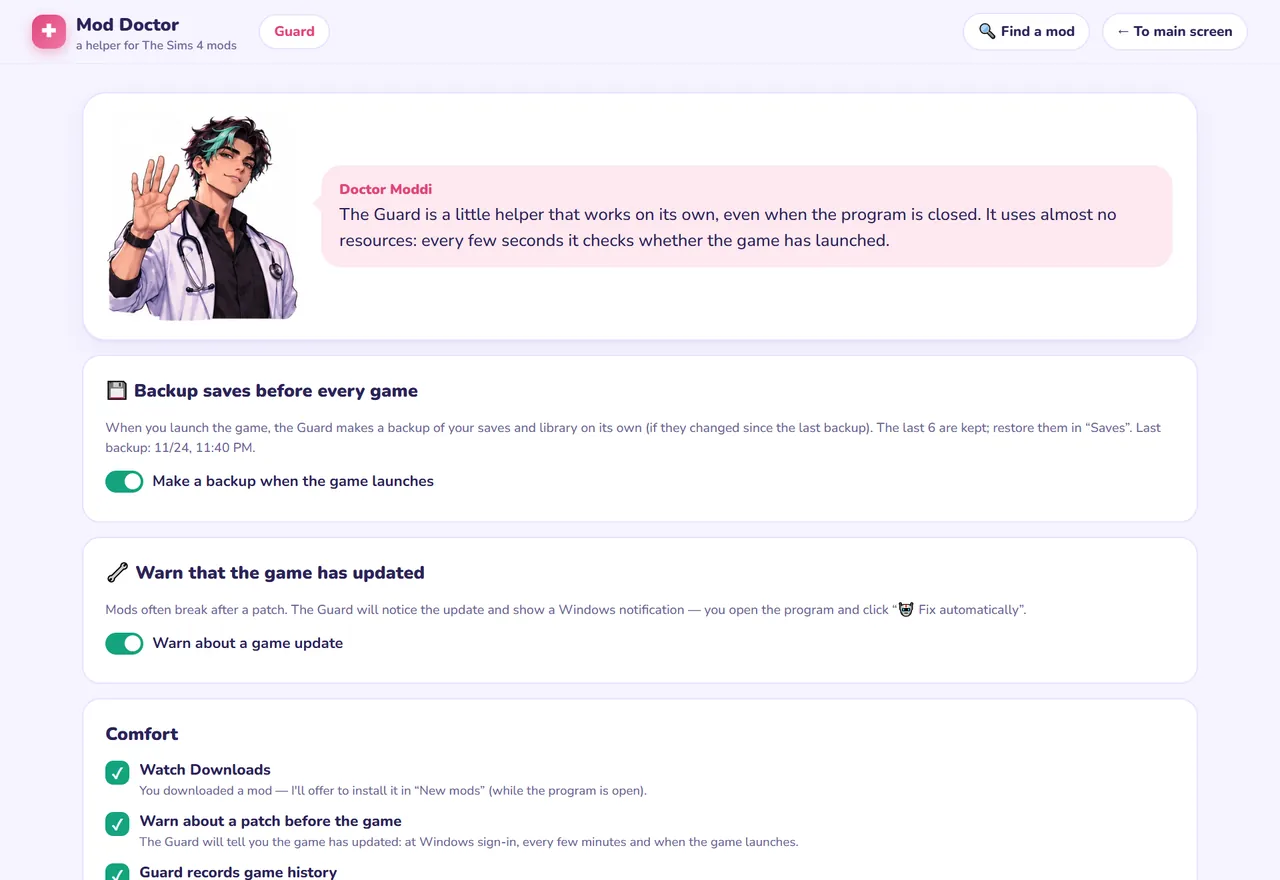
A backup of your saves before every play session and a heads-up about patches, all on its own, even when the app is closed.
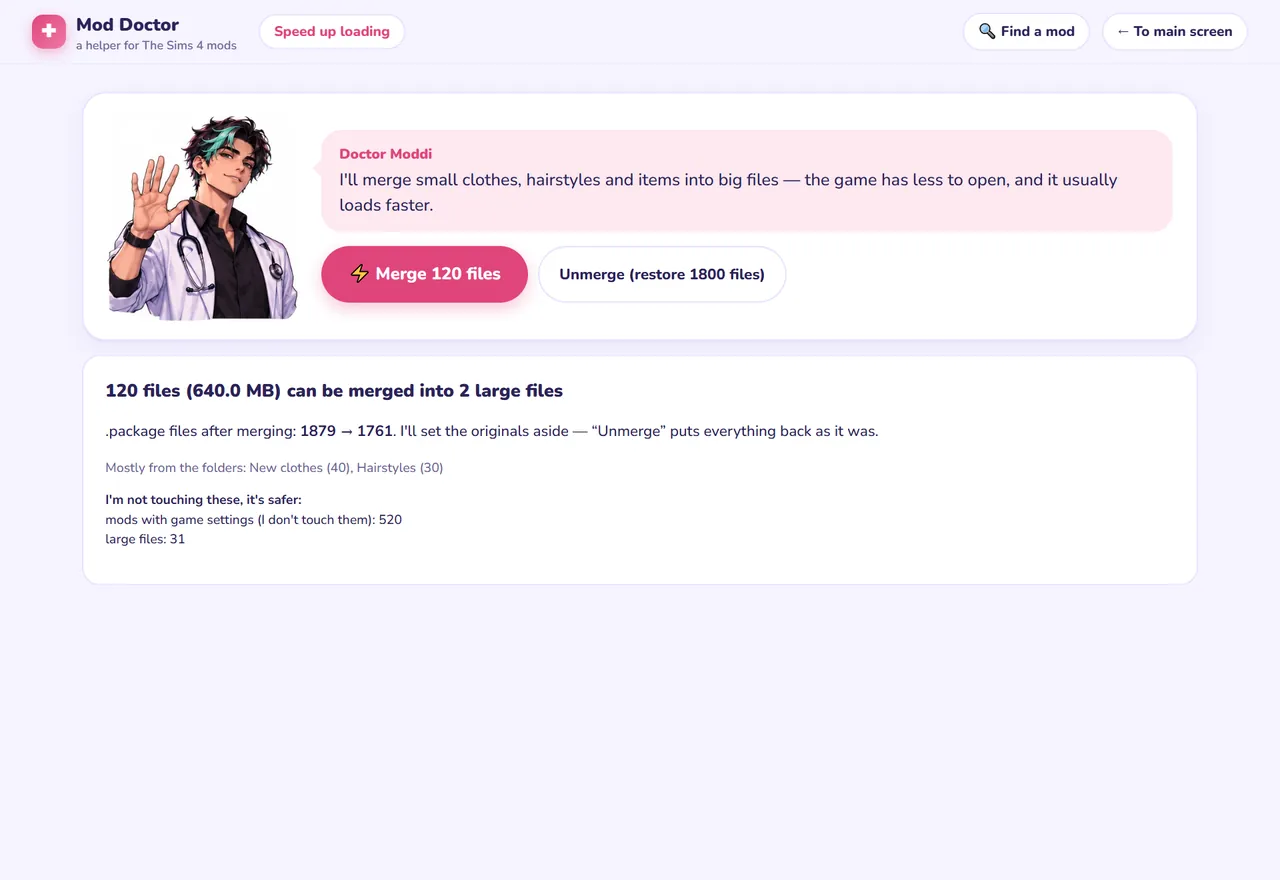
I’ll merge thousands of tiny CC files into a few big ones, so the game opens noticeably faster.
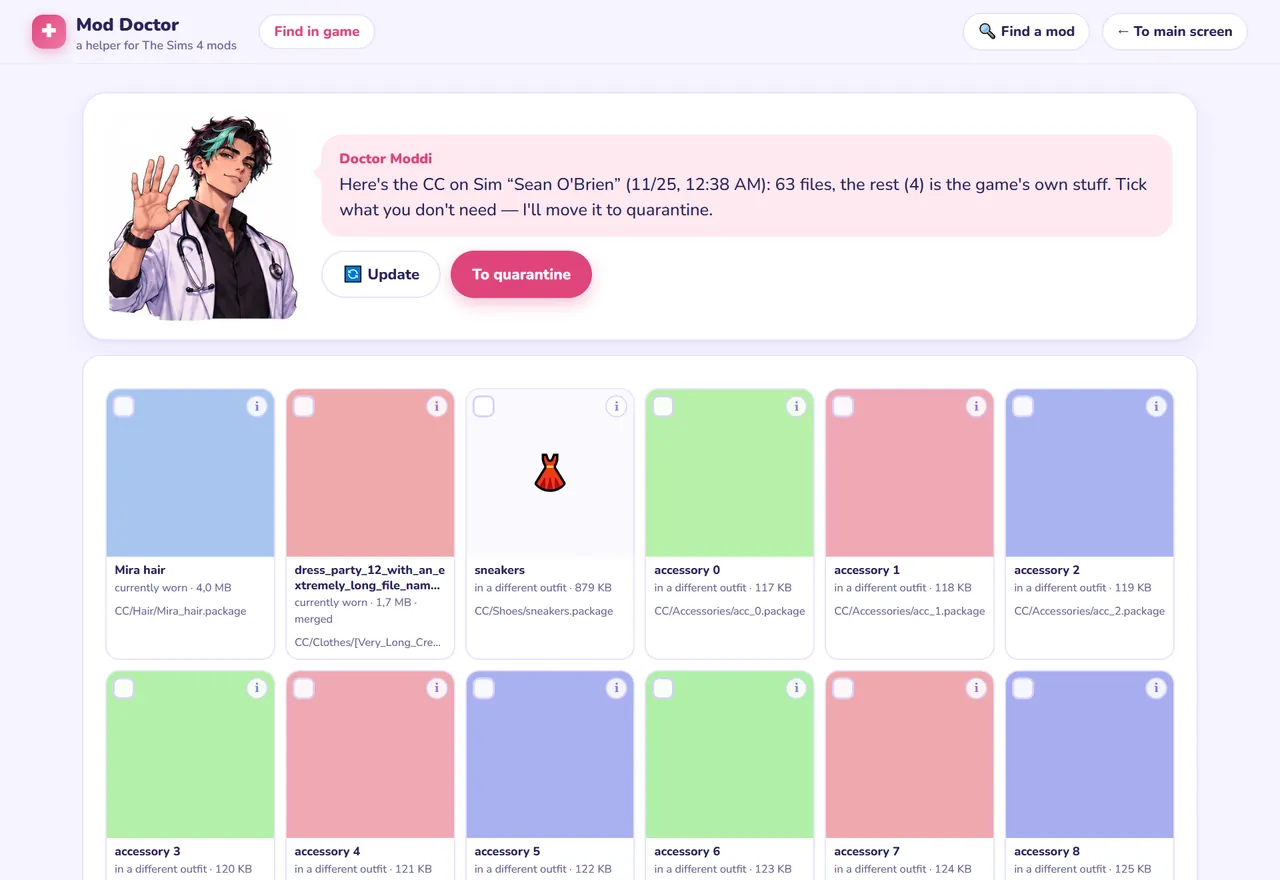
Which mod does this dress or that glitchy chair come from? One console command and I’ll show you the files.
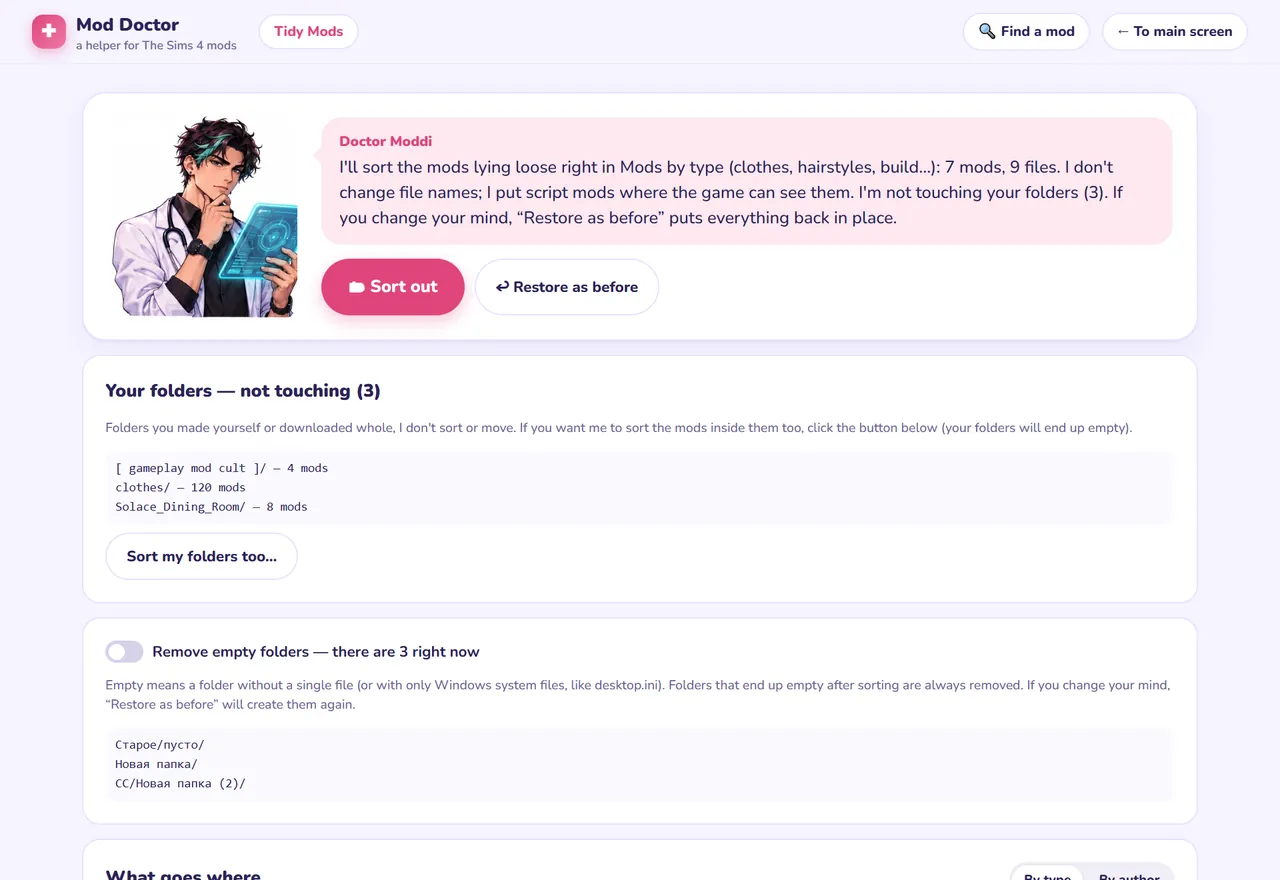
I’ll sort a scattered pile of files into neat folders. I leave your own folders alone, and “Undo” is always there.
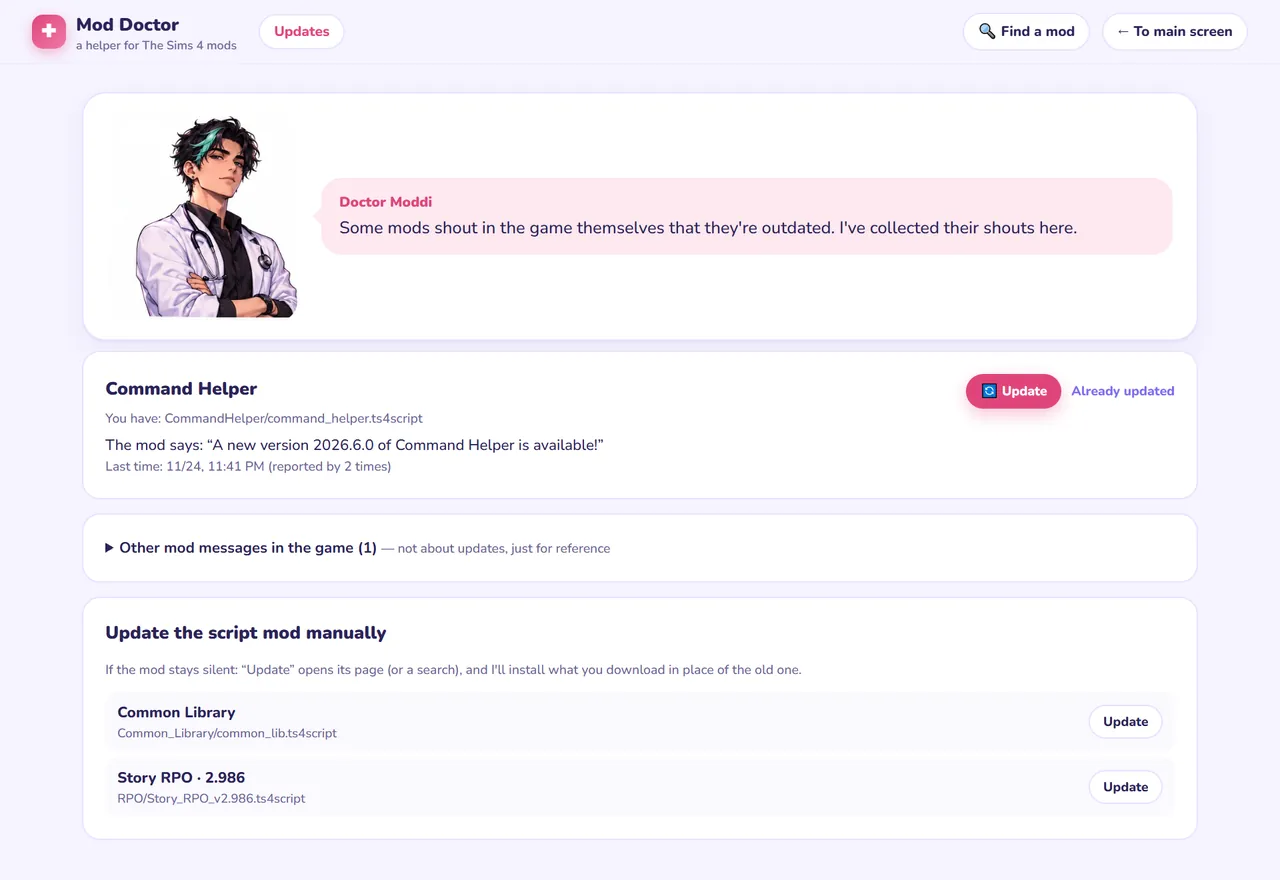
I’ll gather every “update me!” from your mods and install what you downloaded in place of the old version, with no duplicates.
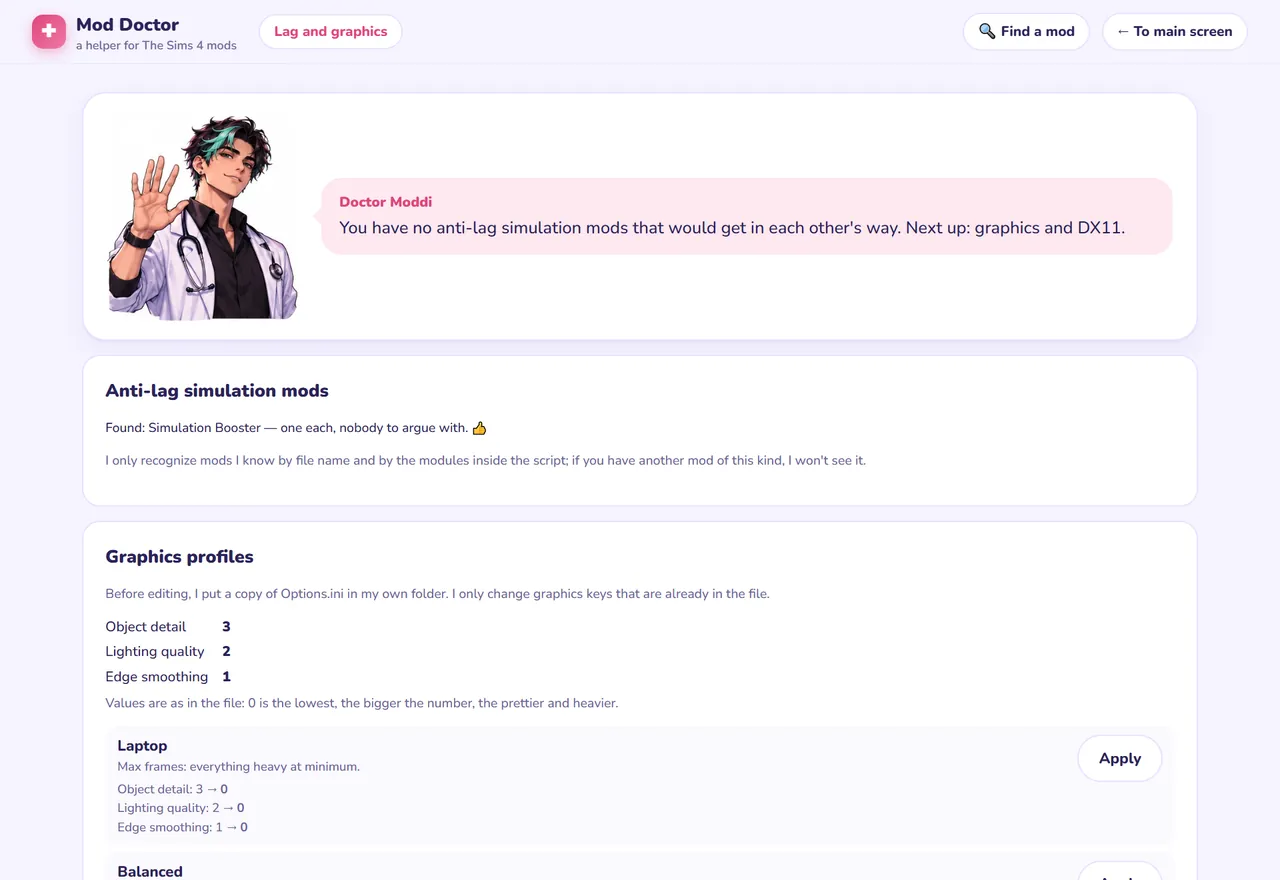
I’ll find mods that get in each other’s way and pick a graphics profile that suits your computer.
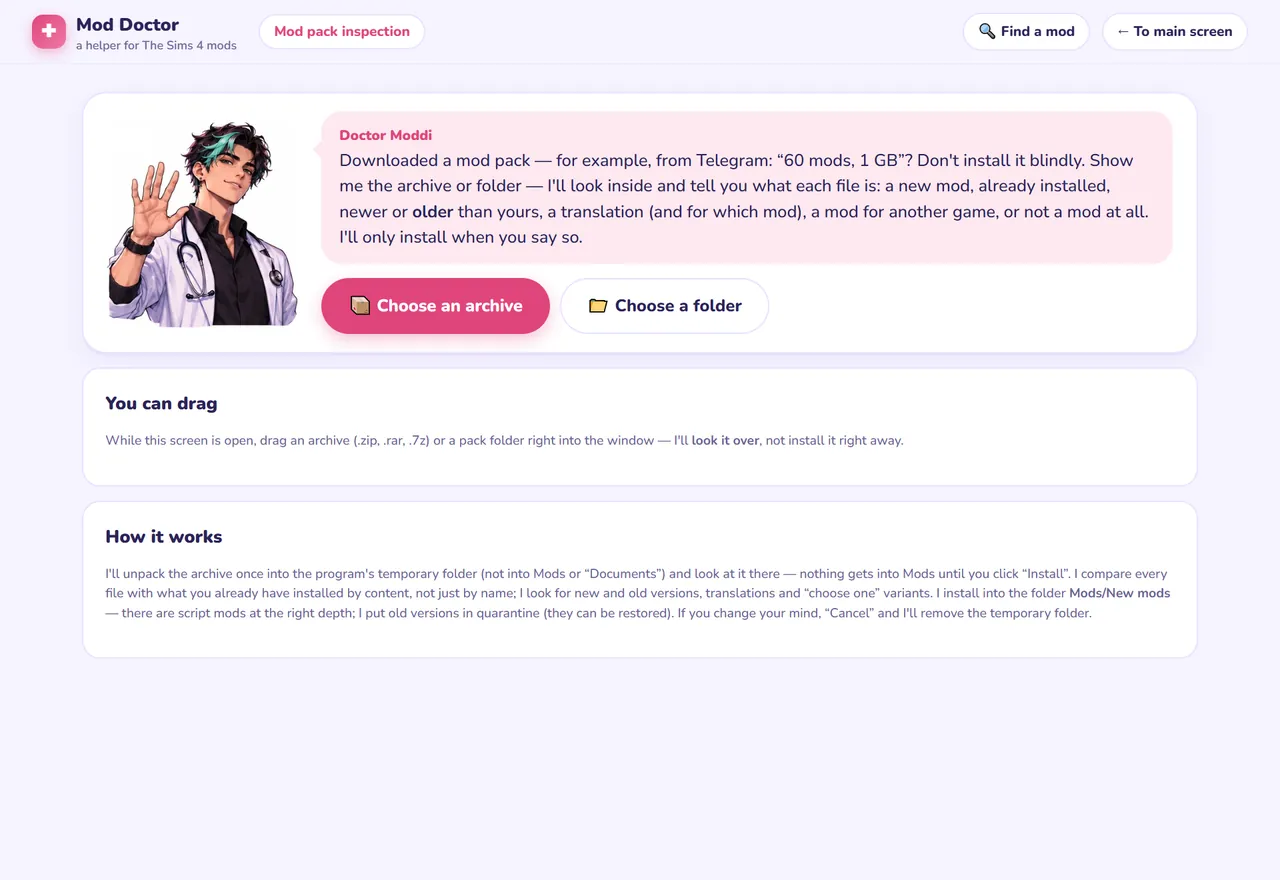
I’ll peek inside a downloaded archive before you install it: what’s new, what you already have, what’s older and what looks suspicious.
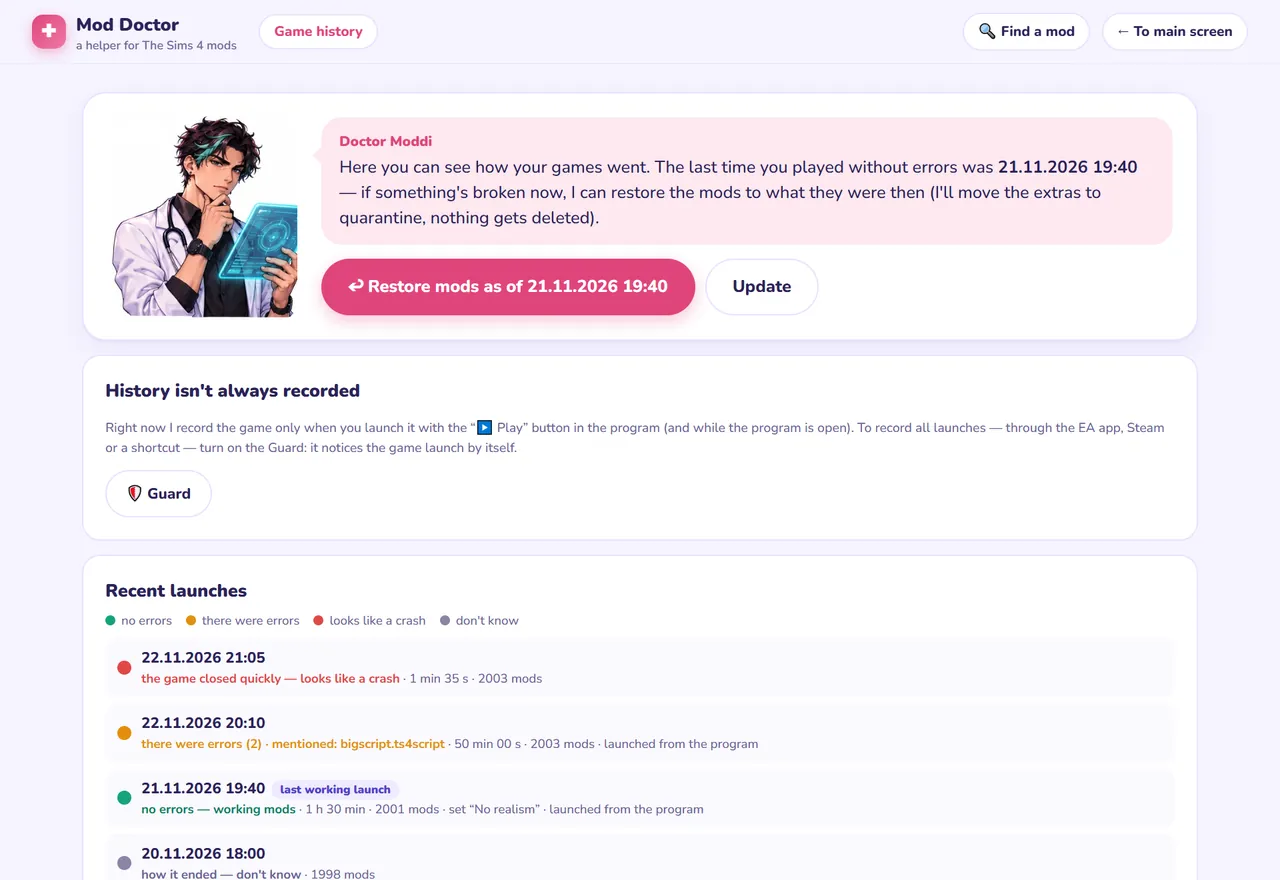
How each play session went and what changed in your mods. Broke today? I’ll roll Mods back to a working launch.
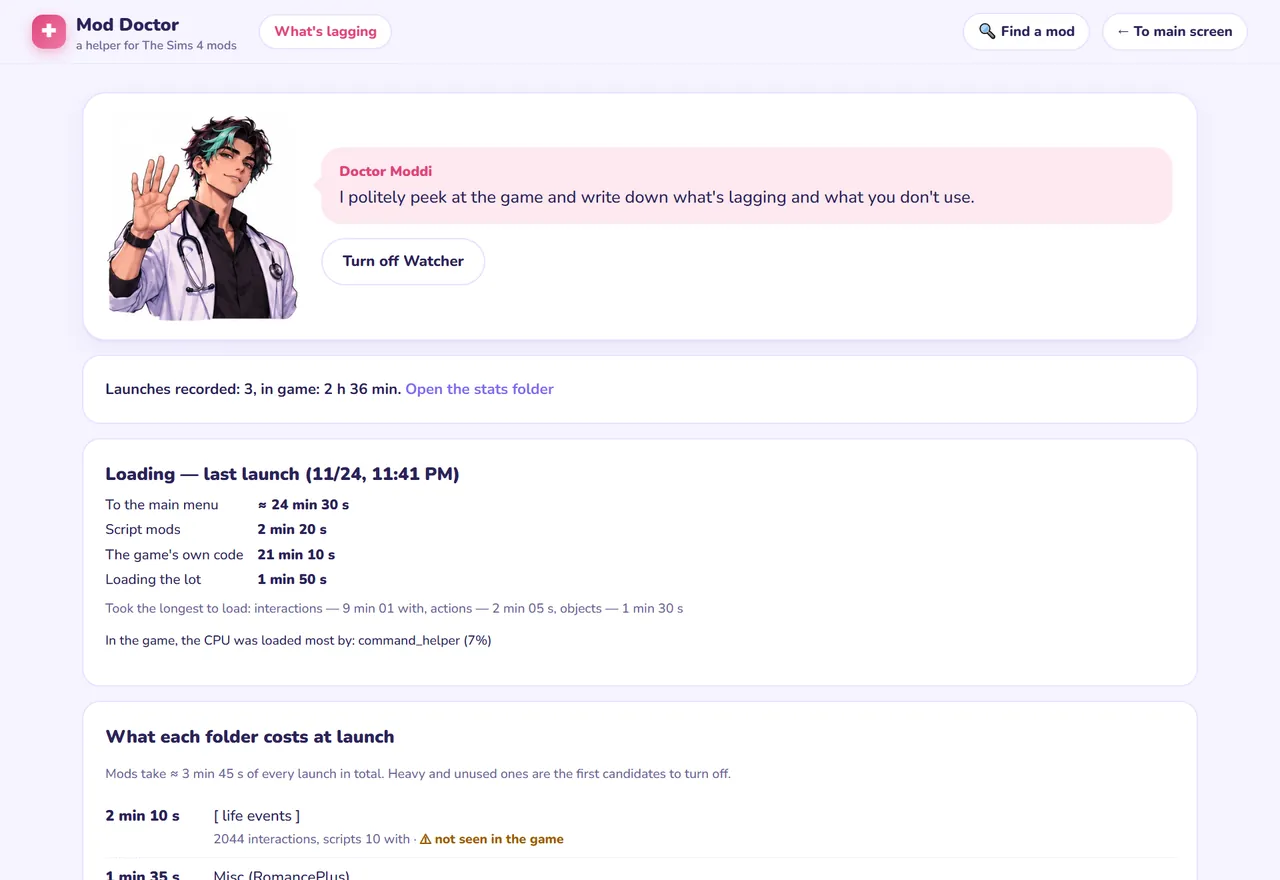
How long the game takes to load, which script mods think the longest, and what you’re not even using.
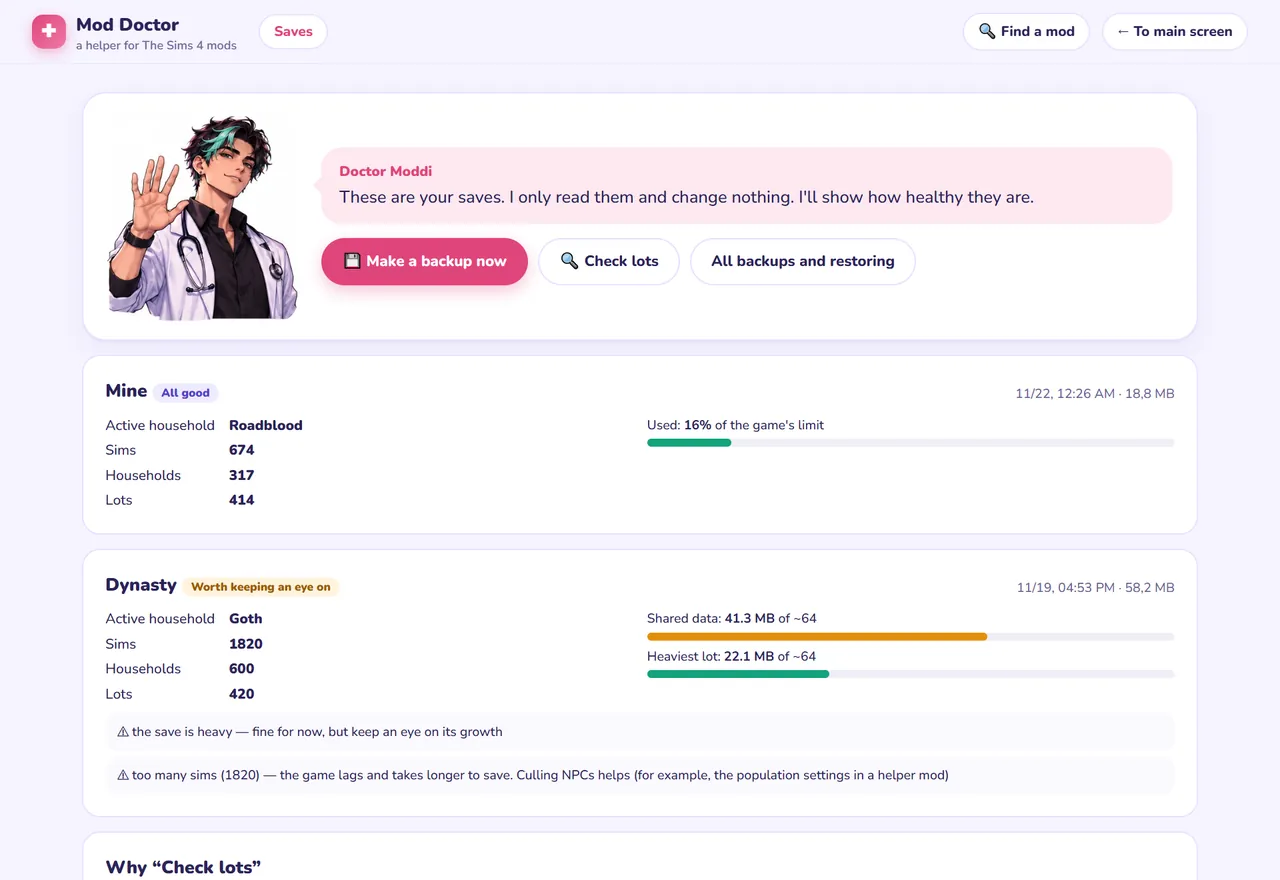
Save health checks, one-click backups and restore. I only ever read your saves.
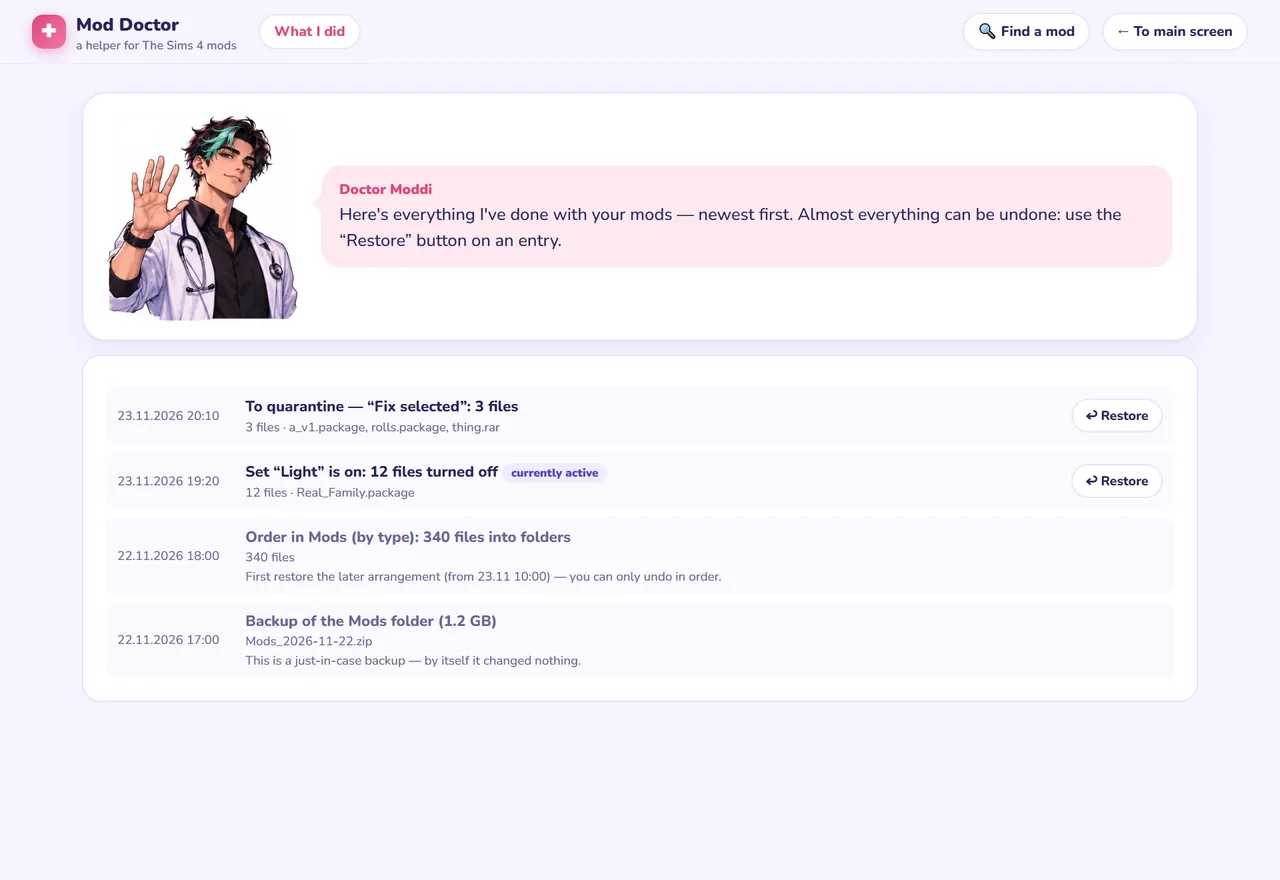
Every action comes with an “Undo” button. Nothing is deleted for good, so feel free to experiment.
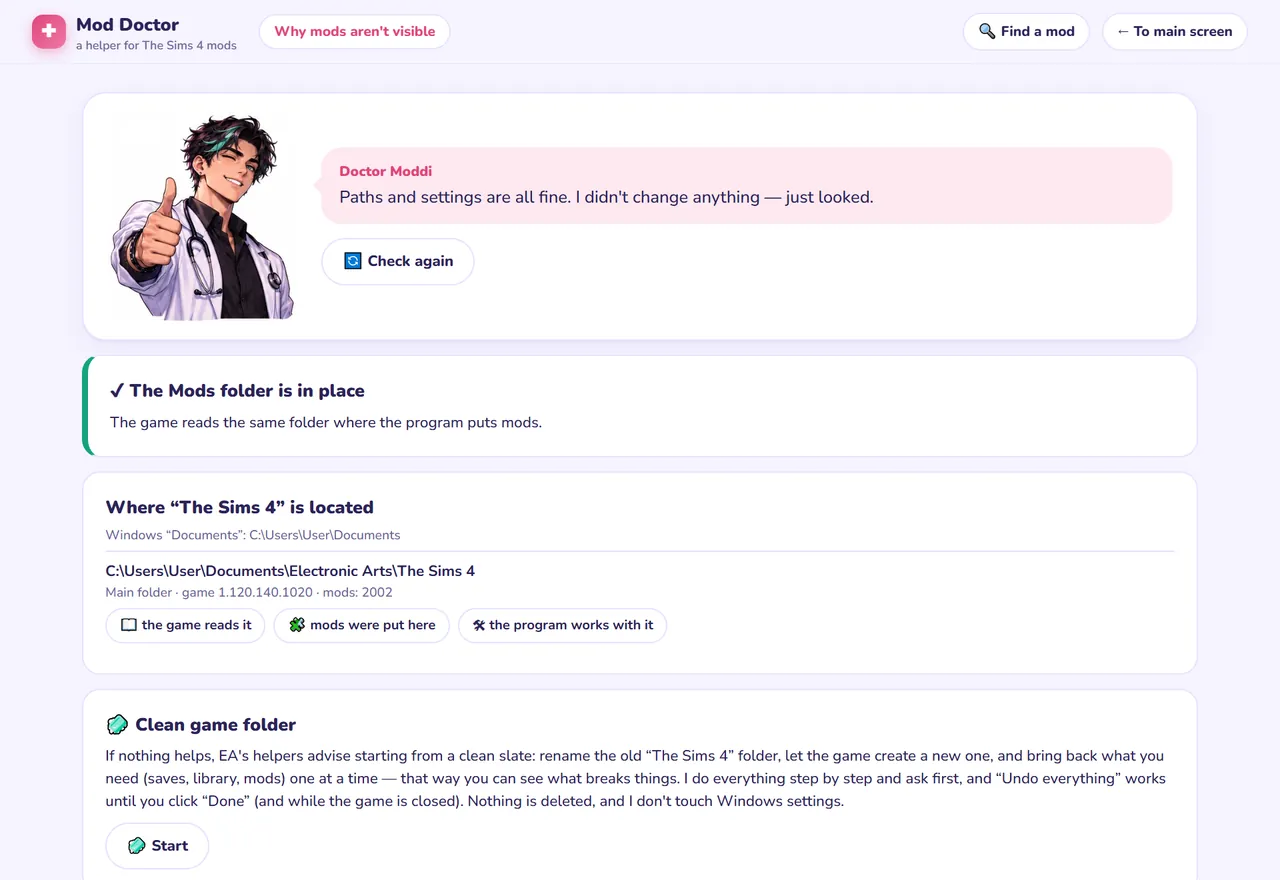
OneDrive, game settings, Windows restrictions: I’ll find out why the game can’t see your mods and suggest a fix.
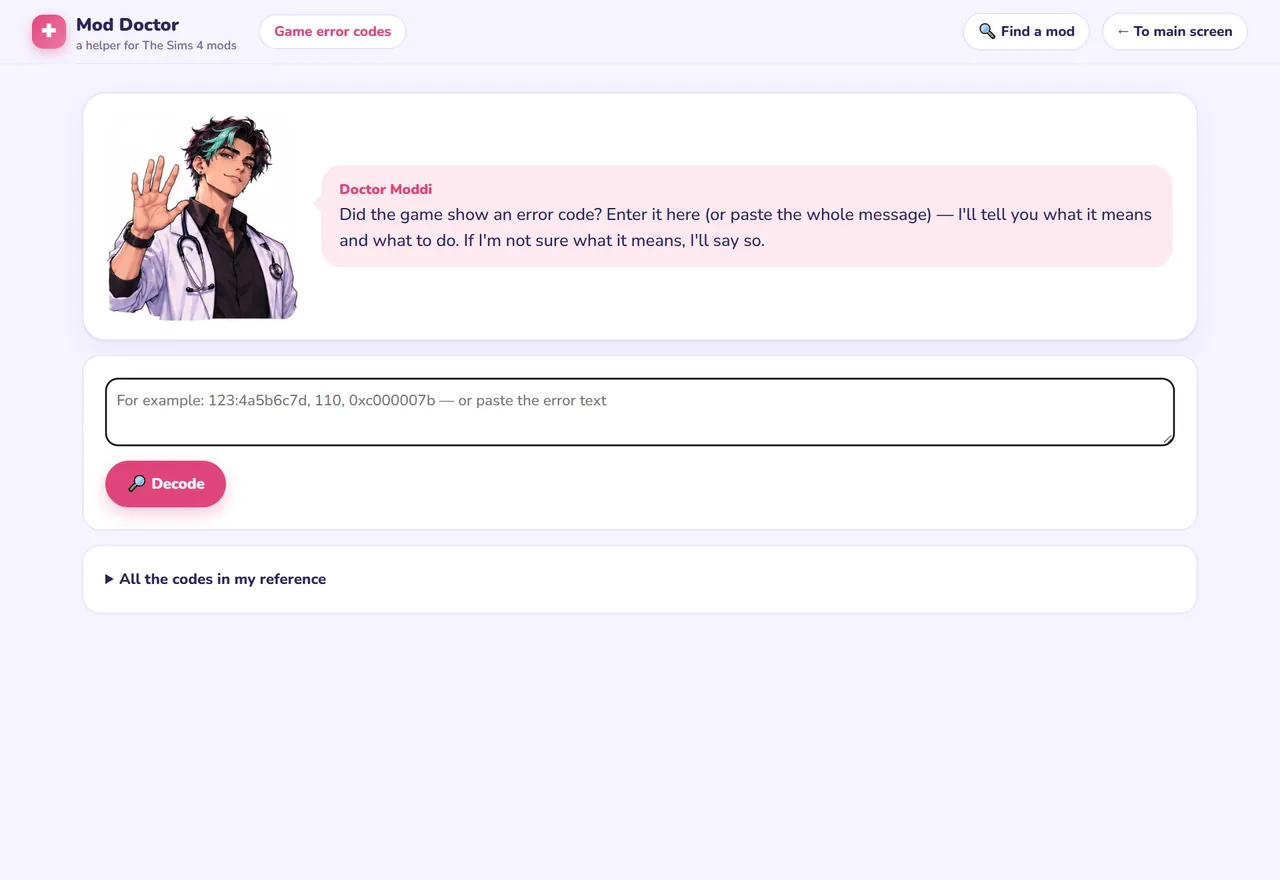
A cryptic code like 123:4a5b6c7d? I’ll explain in plain English what it means and what to do.
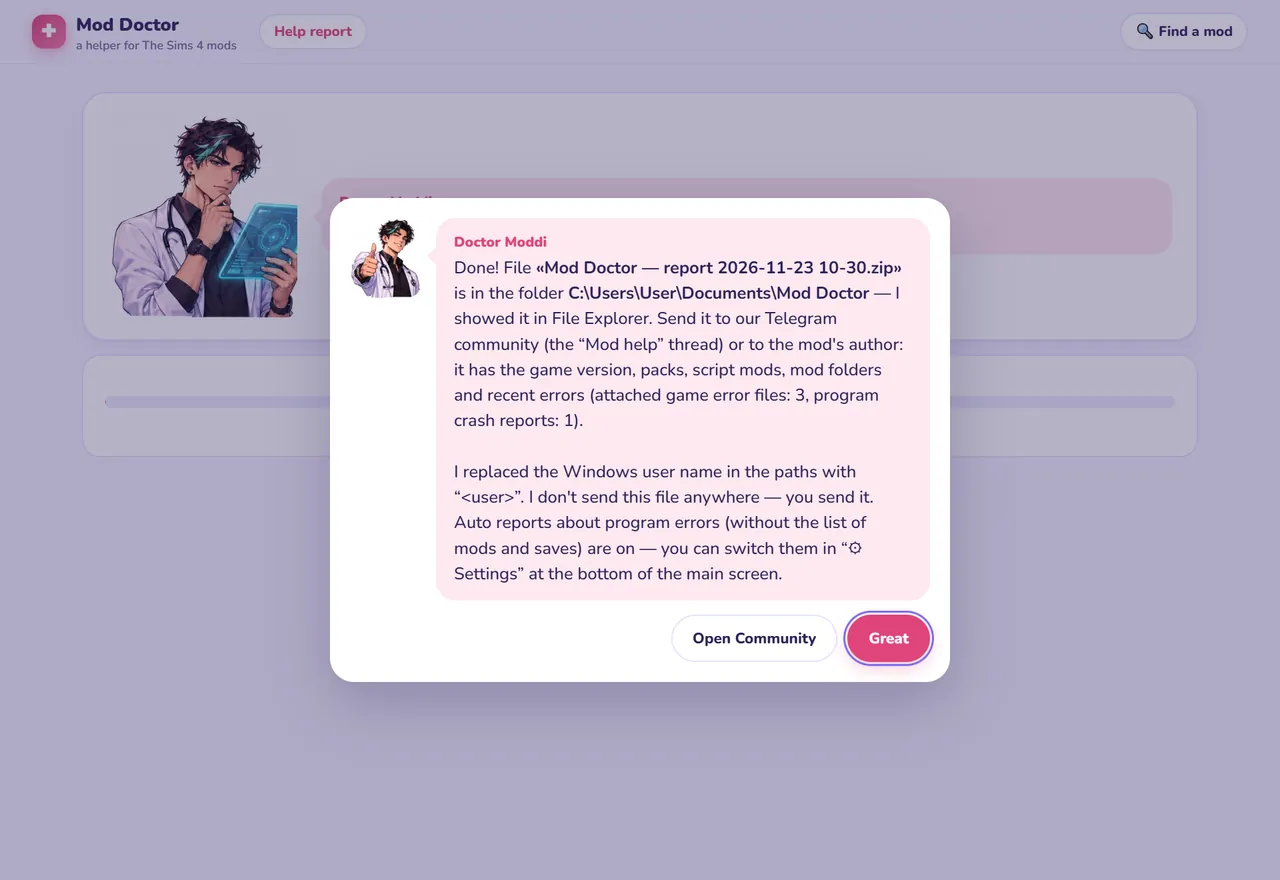
One zip with everything the support chat needs. Your Windows user name is hidden.
No installers, no setup: three steps and your mods are in good hands.
One file for Windows. The app finds your The Sims 4 folder by itself, even if “Documents” lives in OneDrive.
In a couple of minutes you get a list of problems in plain language. The important ones are already ticked.
One button and the problem files go into quarantine, not the trash. Changed your mind? “Restore” in one click.
Mod checks stay free forever. The PRO version unlocks all the automation.
Buy it right in the app: the “💎 PRO version” button. You pay through @CryptoBot in Telegram. No crypto? Buy USDT with rubles, hryvnias or tenge in the P2P section. Your activation key arrives automatically.
Can’t find your answer? Ask in our community 💚
Nothing is ever deleted for good. Everything I remove goes into quarantine and comes back with one button. Before making changes, the app can back up your Mods folder and saves. It only ever reads your saves.
The app doesn’t have a digital signature yet, so Windows may show “Windows protected your PC”. Click “More info” → “Run anyway”. Only download it from this page or from our channel.
Yes, the app works with The Sims 4 folder on your computer: Mods, saves, your library. Any version of the game from the EA app or Steam works.
Click “💎 PRO version” in the app and pick a plan, and an invoice opens in @CryptoBot. In the same place, in the P2P section, you can buy USDT by card with rubles, hryvnias or tenge and pay the invoice. Your activation key arrives in the app automatically.
PRO works on one computer at a time. On the old one, click “💎 PRO version” → “Move to another computer”, then enter your key on the new one. No access to the old computer? Message us in the community and we’ll move it manually.
You don’t have to. It updates itself on launch.


The channel has news and updates. The community has help with mods, answers to your questions, ideas and gorgeous CC finds. Come on in, it’s cozy here ✨